Apple Log Cinematic LUTs
Sale price
$29.95 USD
Regular price
$99.00 USD
Skip to product information


Apple Log Cinematic LUTs
Sale price
$29.95 USD
Regular price
$99.00 USD
Shipping calculated at checkout.
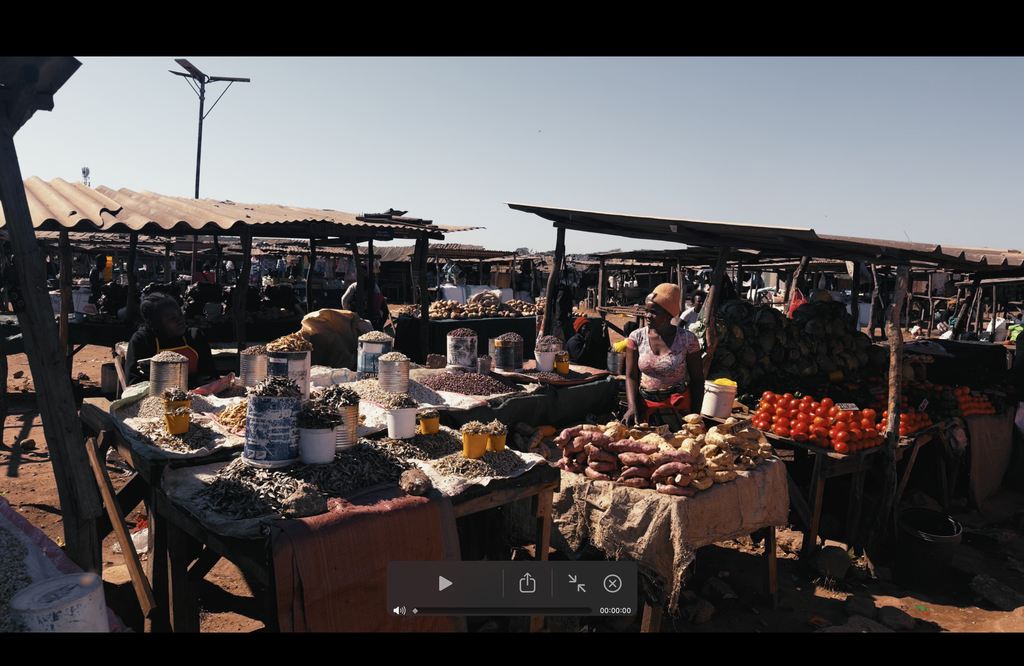
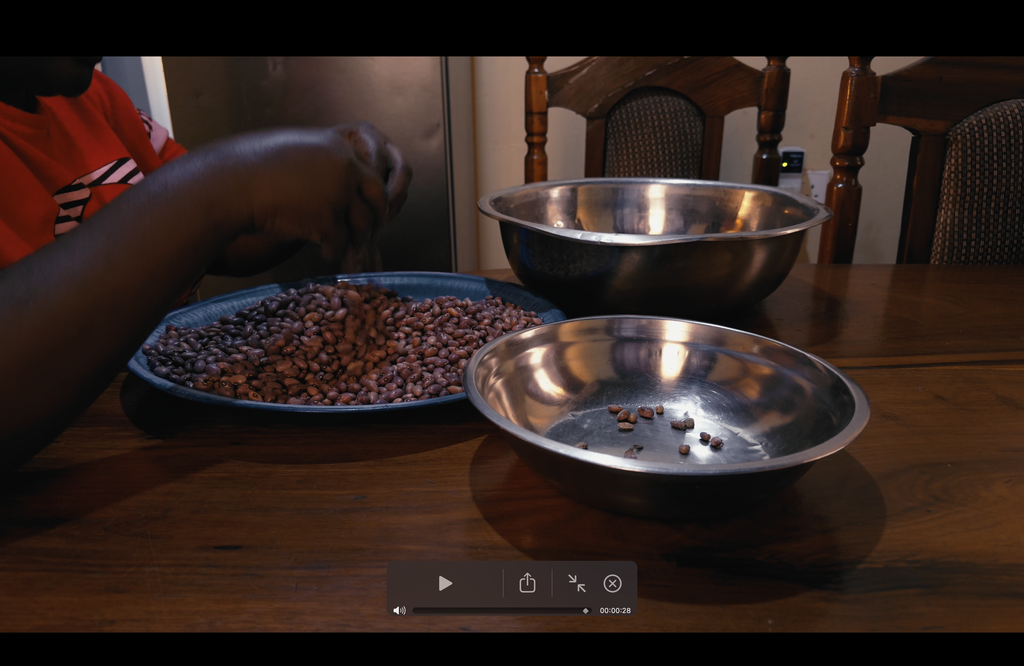
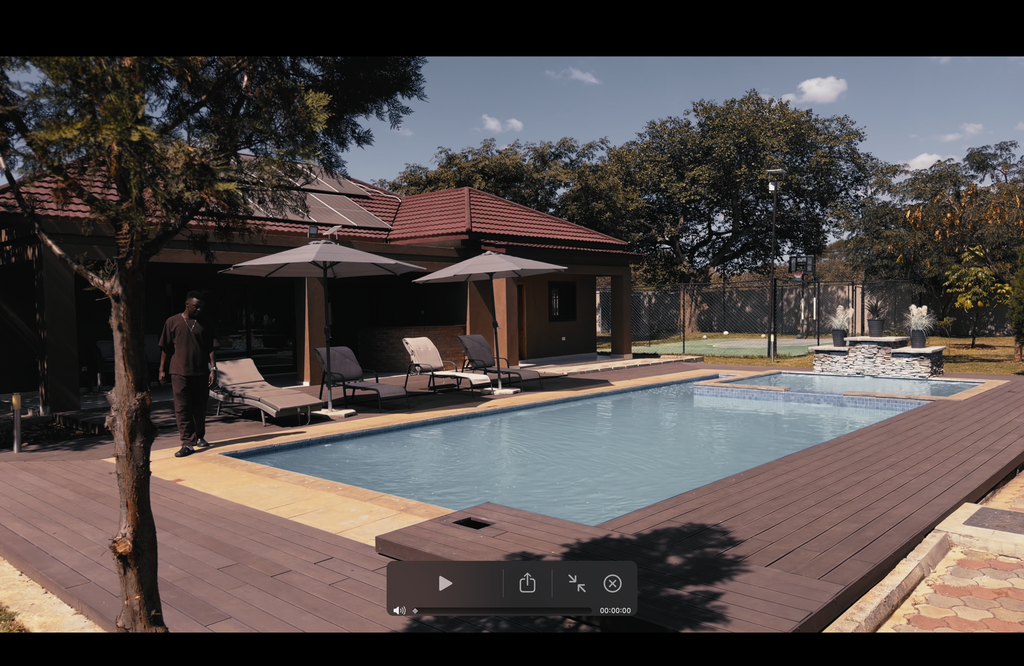
Professional-grade LUTs designed specifically for Apple Log footage. Transform your iPhone 15 Pro, 16 Pro, and 17 Pro cinematic recordings into polished, broadcast-ready color grades with a single click. Perfect for filmmakers and content creators who demand studio-quality results from mobile capture.
What is this ?
Looking for a way to unlock the full potential of your iPhone's Apple Log footage?
If you're shooting on iPhone 15 Pro/Pro Max, 16 Pro/Pro Max, or 17 Pro/Pro Max, you have access to one of mobile video's most powerful formats. Apple Log captures incredible dynamic range and color information, but the footage needs grading to look its best.
The iPhone Apple Log LUT Pack by Yantastic is designed to transform that flat footage into stunning, cinematic video in seconds. Skip the hours of color grading and get professional results instantly.
What You'll Receive?
A set of 14 cinematic LUTs designed to give your Apple Log footage a premium, polished look instantly.
- Clean base conversions for natural, true-to-life tones
- Film-inspired grades with soft contrast and depth
- Vibrant travel looks for oceans, sunsets and landscapes
- Warm lifestyle tones perfect for vlogging and everyday creators
- Moody cinematic grades ideal for night scenes and urban shoots
Each LUT has been tested across real-world lighting conditions to ensure consistent, beautiful results straight out of your iPhone.
You’ll also receive:
- A step-by-step installation guide ( DaVinci Resolve, Final Cut Pro, Premiere Pro)
- A best settings guide for shooting Apple Log on iPhone, including recommended app to use as well as frame rates, formats and colour space tips
- BONUS: Yantastic's Blackmagic Cam app settings for shooting Apple Log.
Everything you need to shoot, grade and deliver cinematic iPhone footage effortlessly.
Every LUT has been tested on real-world scenes across different lighting conditions to ensure beautiful, reliable results straight out of camera.
Who Is This For?
These LUTs deliver professional color grading for Apple Log footage captured on iPhone or Blackmagic Camera App. Compatible with Apple Log, Apple Log 2, ProRes, and HEVC formats.
Use them in DaVinci Resolve, Final Cut Pro, Premiere Pro, or any software that supports .cube LUTs. One-click color correction designed specifically for iPhone ProRes workflows.
When will I get my order?
Immediately! This is a digital product, so your preset pack will be available for immediate download after purchase.
“I’ve never had iPhone footage look this cinematic before.”


Made for iPhone Creators
Mobile & Desktop
Blackmagic Camera App (recommended)
DaVinci Resolve, Final Cut Pro, Adobe Premiere Pro, CapCut
Instant download
Immediately after purchase, you will receive access via email
One-time purchase with lifetime use
Pay once and access forever. No subscription required
FAQ
What is Apple Log and why should I use it on my iPhone?
Apple Log is a flat color profile exclusive to iPhone 15 Pro, 16 Pro, and 17 Pro. It records expanded dynamic range with enhanced highlight preservation and smooth tonal transitions that standard iPhone video can't match. This gives you a superior foundation for color grading with greater flexibility and a more polished final result.
What App Can Use These LUT's With?
These LUTs work with any editor or camera app that accepts .cube files and supports Apple Log or Apple Log 2 footage.
Desktop Apps (fully supported)
DaVinci Resolve
Final Cut Pro
Adobe Premiere Pro
CapCut
iPhone Apps (fully supported)
Blackmagic Camera App (recommended):
Import your .cube LUTs directly into the app. Record with the LUT baked in, or capture Apple Log / Apple Log 2 footage and use the LUT for monitoring only.
LumaFusion – complete editing with LUT support
VideoLUT – apply LUTs and export quickly
LUT Studio – works with Apple Log and custom LUTs
PeekLUT – preview and color grade on the go
The bottom line: if your app supports .cube LUT files and can process Log footage, this pack is compatible.
Do I need to shoot ProRes, or do these LUTs work with normal iPhone videos too?
Important:
These LUTs are designed exclusively for Apple Log footage. Standard iPhone videos won't work with them.
How to identify Apple Log footage:
Apple Log video appears flat, desaturated, and low-contrast. Normal iPhone footage looks vibrant and fully colored right out of the camera.
Why this matters:
Standard iPhone videos come pre-graded with color baked in, so these LUTs won't produce the intended results. Apple Log footage, by contrast, is a flat color space that's meant to be graded — which is exactly what these LUTs do.
Technical details:
Apple Log can be recorded in ProRes or HEVC (H.265) using apps like Blackmagic Camera. Regardless of which format you choose, the final color output will be identical.
Are these LUTs beginner-friendly?
Absolutely.
These LUTs convert Apple Log to a clean, cinematic look with one click. You don’t need to be a colour grading expert – just apply the LUT, adjust exposure and saturation if needed, and you’re done.
How do I install lut's
Upon purchase, you'll get instant access to a quick-start guide that walks you through installing and applying the LUTs in DaVinci Resolve, Final Cut Pro, and Premiere Pro. Setup takes under a minute.
SEE WHAT ARE CUSTOMERS ARE SAYING
4.9/5 ⭐⭐⭐⭐⭐